
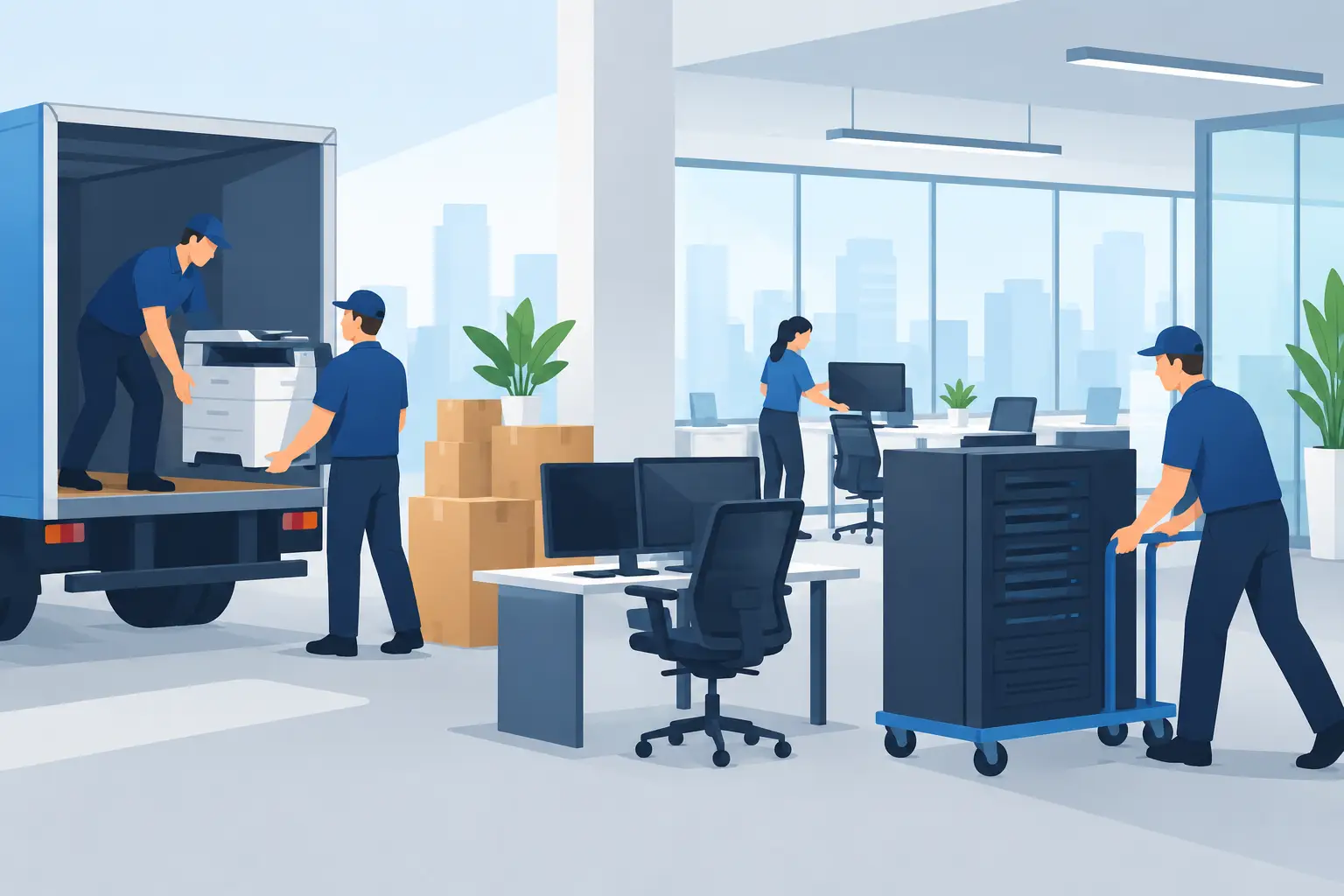
A single unplugged server, unlabeled cable, or missing access card can delay an entire office on moving day. Knowing how to relocate office equipment is not only about loading desks and computers into a truck. It is about protecting business data, keeping your team productive, and making sure every essential system works at the new location when you need it.
For businesses in Dubai and across the UAE, an office relocation often happens under tight timelines. Rent agreements end, new offices need to open, and employees still need access to emails, customer records, phones, and shared files. A clear relocation plan helps you move equipment safely without turning a one-day move into a week of disruption.
Start With an Office Equipment Inventory
Before packing begins, walk through every department and record what must move. Include desktop computers, monitors, laptops, printers, scanners, network switches, routers, servers, phones, cables, projectors, point-of-sale devices, and meeting-room equipment. Do not forget smaller items such as external hard drives, adapters, remote controls, security keys, and spare chargers.
Give each item an asset number or label and note its condition. Take photos of expensive electronics, especially if they are leased or covered by a manufacturer warranty. This creates a simple record of what was moved and can make checking the new office much faster.
It also helps to separate equipment into three groups: items that must be operational immediately, items needed within the first week, and equipment that can be stored or installed later. Your servers, internet hardware, employee laptops, and reception phone system will usually belong in the first group. This priority list guides the packing and unloading order.
Plan the Move Around Business Operations
The best moving date is not always the first available date. Consider your busiest days, client deadlines, payroll periods, stock deliveries, and IT maintenance windows. Many offices choose an evening, weekend, or public holiday move so employees can leave one workplace and return to a functioning new office.
Assign one decision-maker from your business to coordinate with the moving team, building management, and IT provider. That person should have authority to approve access, confirm floor plans, answer questions about equipment, and check the final inventory. Without a single point of contact, small decisions can slow the job down.
Confirm practical building details several days in advance. Ask about loading bay access, elevator reservations, parking restrictions, security clearance, move-in hours, and whether protective coverings are required in common areas. High-rise offices in Dubai can have strict access rules, and a missed elevator booking can quickly affect your schedule.
Prepare the New Office Before Moving Day
Equipment cannot be installed properly if the new space is not ready. Make sure power outlets, network points, air conditioning, lighting, access control, and internet service are available before the truck arrives. If new workstations are being assembled, confirm the layout with your floor plan so desks are placed correctly from the start.
For server rooms and network cabinets, check cooling, electrical capacity, cable routes, and restricted access. If your IT team or external technician needs to configure the network, arrange for them to be present during unloading or immediately afterward. Movers can place equipment safely, but only qualified IT professionals should reconnect sensitive systems and verify data access.
Back Up Data and Shut Down Equipment Correctly
Before you relocate office equipment, make a current backup of business-critical data. Use your approved cloud backup system, secure external storage, or both. This step matters even when your devices are handled carefully because data protection should never rely on transport alone.
Notify employees about the shutdown time and ask them to save work, log out of systems, and take personal files home if required by company policy. Your IT team should shut down servers, computers, printers, and network devices in the right sequence. Turning off equipment suddenly can cause data errors or hardware problems.
Allow hot equipment to cool before packing. Printers, servers, and desktop computers should not be wrapped immediately after use. Remove ink cartridges or toner where recommended by the manufacturer, secure scanner lids, and take out removable batteries if the equipment instructions require it.
Pack Electronics for Safe Transport
Original boxes are useful when available, but most offices do not keep packaging for every monitor and computer. In that case, use strong double-wall cartons, anti-static materials for sensitive electronics, bubble wrap, moving blankets, and sturdy cable ties. Avoid placing loose items in oversized boxes where they can shift during transport.
Each computer should be packed separately or with enough internal protection to prevent contact with another device. Monitors need corner protection and should be carried upright where possible. Printers and copiers may need extra care because of their weight, moving parts, and toner components.
Cables are one of the most common causes of setup delays. Label both ends of each cable before disconnecting it, then pack the cable with the device it belongs to. A simple label such as “Finance Desk 3 – Monitor Cable” is much more useful than a bag marked “wires.” Photograph the back of complex workstations, server racks, and meeting-room screens before disconnecting them.
Use clearly marked cartons for equipment that must be unloaded first. For example, label boxes for reception, IT, management, and meeting rooms by room name and priority. This prevents the crew from placing critical equipment behind furniture or nonessential archive boxes.
Choose Transport That Protects Your Assets
Office equipment should travel in a clean, enclosed vehicle with proper securing points. Loose furniture, boxes, and electronics can be damaged when they move during braking or turns. A professional moving crew uses straps, blankets, dollies, and the right lifting methods to protect both the equipment and the people handling it.
Heavy items such as copiers, server cabinets, safes, and large printers may require specialized handling. Do not ask employees to lift these items themselves. The risk of injury, equipment damage, or building damage is rarely worth the apparent savings.
Insurance is another decision that depends on the value and type of equipment being moved. Review what protection is included in your moving arrangement and whether optional transit insurance is suitable for high-value assets. Be clear about declared values, exclusions, and the claims process before moving day.
Use a Practical Office Relocation Checklist
A short checklist keeps responsibilities clear when the move becomes busy:
- Confirm the new office is ready for power, internet, access, and workstation installation.
- Create an inventory with photos, labels, and a list of priority equipment.
- Back up data and arrange the correct shutdown of servers and devices.
- Reserve loading access, elevators, parking, and building security clearance.
- Label cables, pack electronics separately, and mark boxes by room and priority.
- Schedule IT support for network setup, testing, and employee access at the new office.
Set Up and Test Before Employees Return
Once equipment is unloaded, check every item against the inventory before packaging is removed. Place desks, cabinets, and larger machines according to the approved layout, then unpack priority equipment first. This is where a labeled plan saves time: the right box goes directly to the right workstation.
Your IT team should test internet access, Wi-Fi, printers, phones, shared drives, business software, meeting-room screens, and security systems. Ask a few employees from different departments to test the tools they use most often. A sales team may need CRM access and calling tools, while finance may need secure printer access and accounting software.
Keep a small support team available during the first working day. Employees will often need help reconnecting monitors, locating cables, accessing lockers, or finding shared equipment. Quick fixes on day one can prevent a long list of minor issues from affecting productivity.
For businesses that need packing, furniture handling, secure transport, storage, or support coordinating a fast move, Quick Movers can help organize the work around your operating schedule. The right moving team should provide clear pricing, trained handlers, and a plan that matches the needs of your office rather than treating it like a standard household move.
A successful office relocation is measured by more than whether every box arrives. It is measured by how quickly your people can sit down, sign in, serve customers, and get back to work with confidence.